Grayscale Conversion
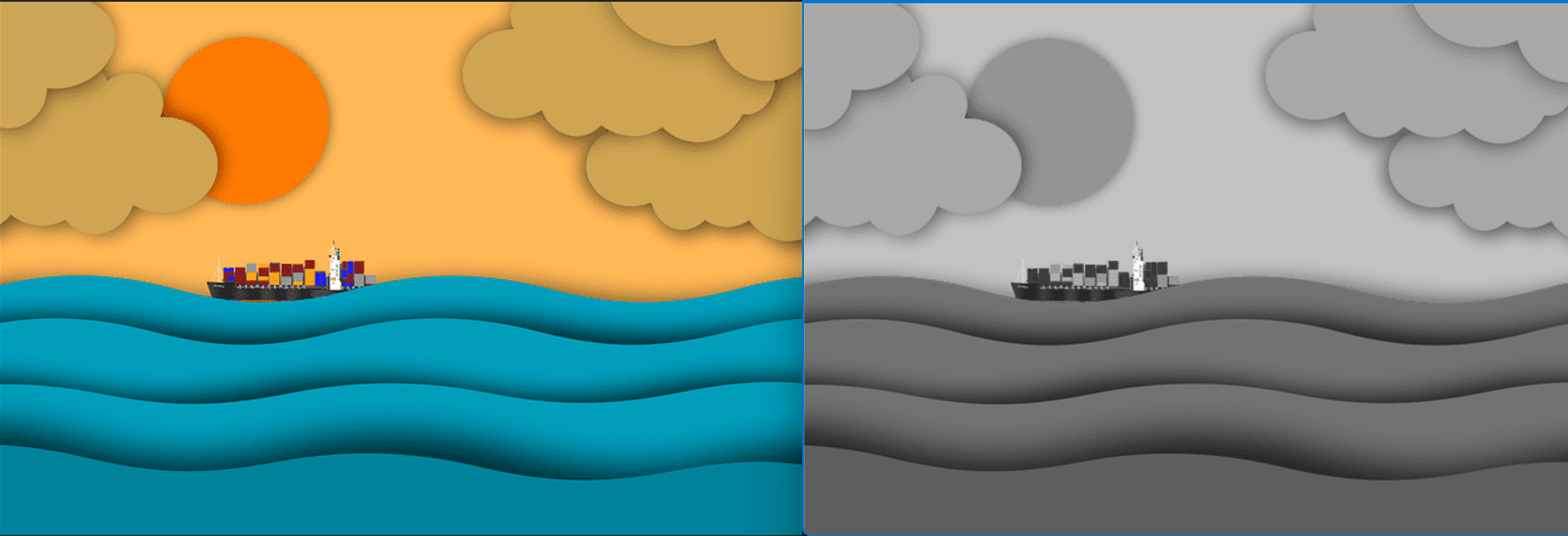
Converts a color image into shades of gray by removing hue and saturation, simplifying analysis while preserving structural intensity information.
Canny Edge
before

after
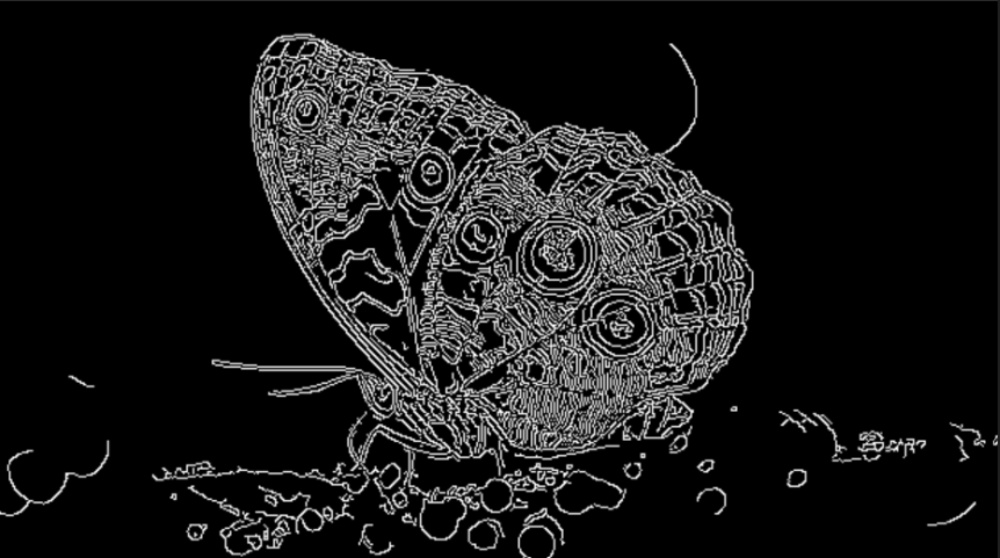
Highlights structural boundaries by detecting sharp intensity changes using classical edge detection methods.
Gaussian Blur
before

after

Reduces noise and fine detail by averaging neighboring pixels, often used as a preprocessing step.
Median Blur
before
after

Removes salt-and-pepper noise by replacing each pixel with the median value of its neighborhood while preserving edges.
Image Sharpening
before
after

Enhances edges and fine details by emphasizing intensity differences, making the image appear clearer and more defined.
Thresholding
before
after
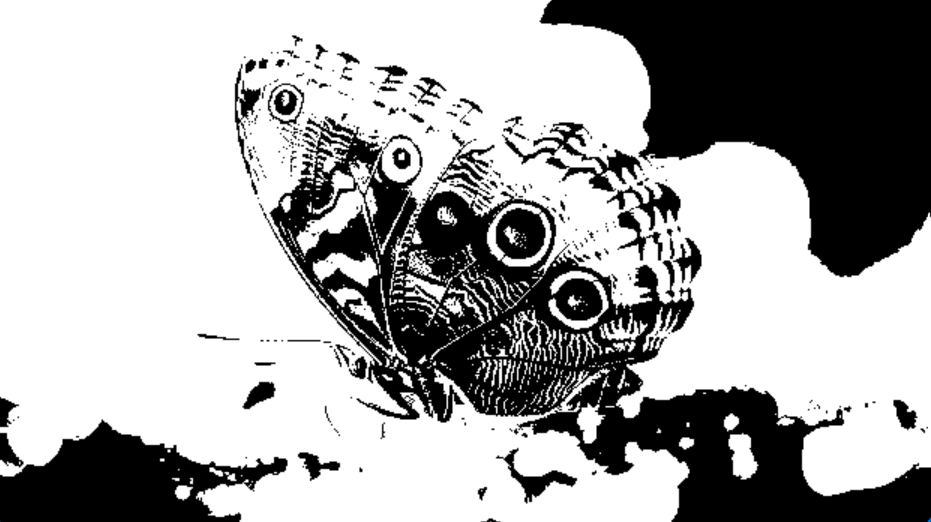
Converts grayscale images into binary form by separating foreground from background based on intensity.
Bitwise Operations
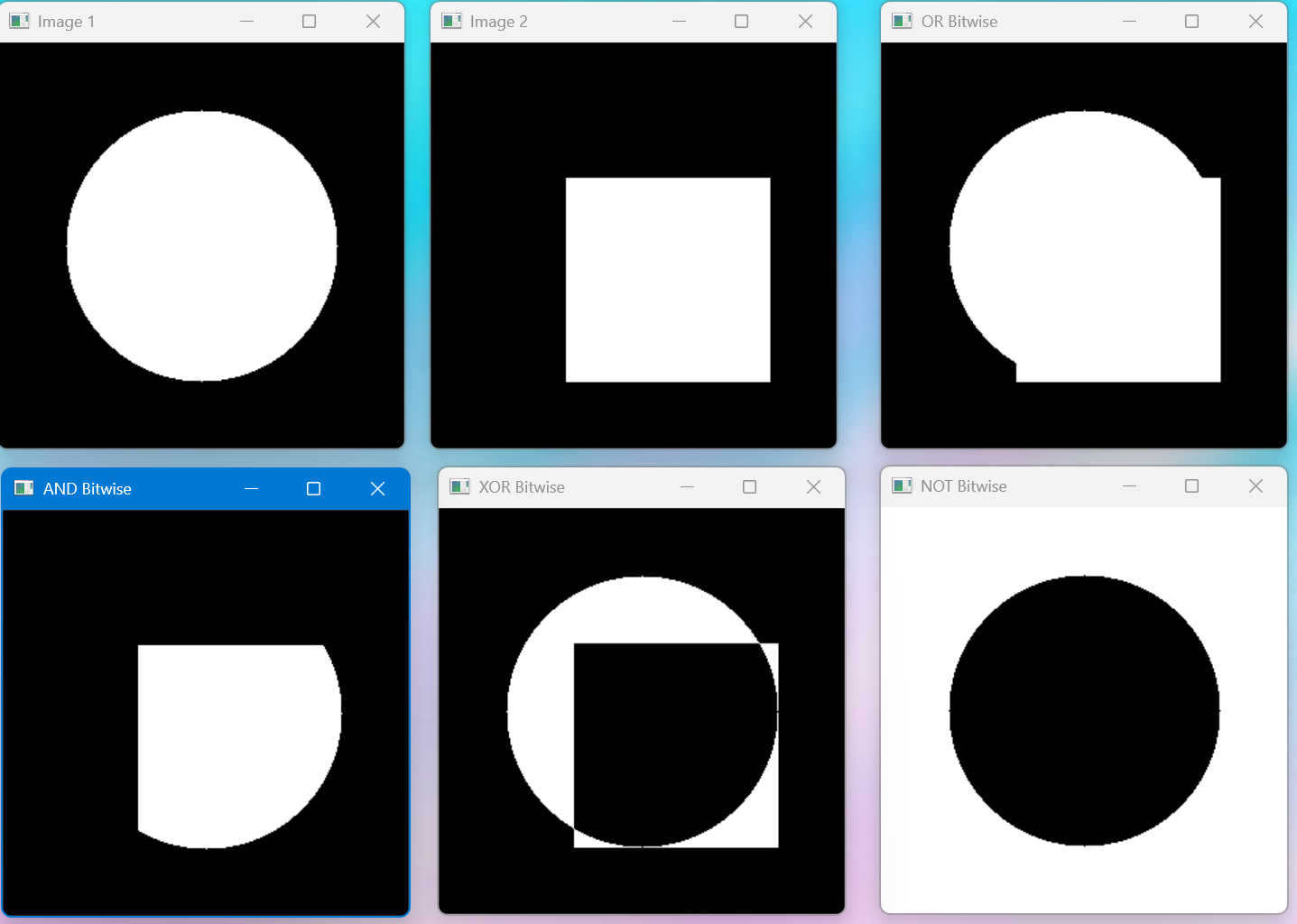
Applies logical operations such as AND, OR, and NOT at the pixel level, commonly used for masking and region extraction.
Contour Detection
Contour and Shape Detection
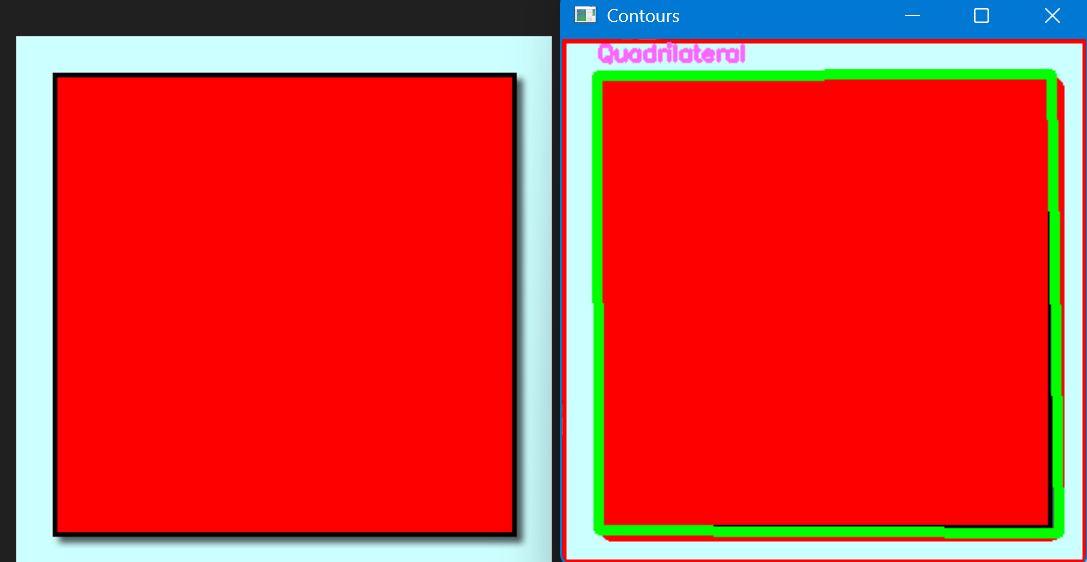
Detects and outlines object boundaries based on shape and intensity, useful for object detection and shape analysis.